

If Your Photos Are Not Ready
Learn why a valid code may show a not-ready message and how to request an email notification.
Why you may see this message
Sometimes a valid KeySnapshots code opens a message saying the photos are not ready yet. This usually means the photographer has created the code, but has not finished uploading the gallery.
Why photos may not be ready
Your photos may not be ready because:
- The photographer is still editing the photos.
- The event just happened.
- The gallery upload is still in progress.
- The code was given out before the photos were added.
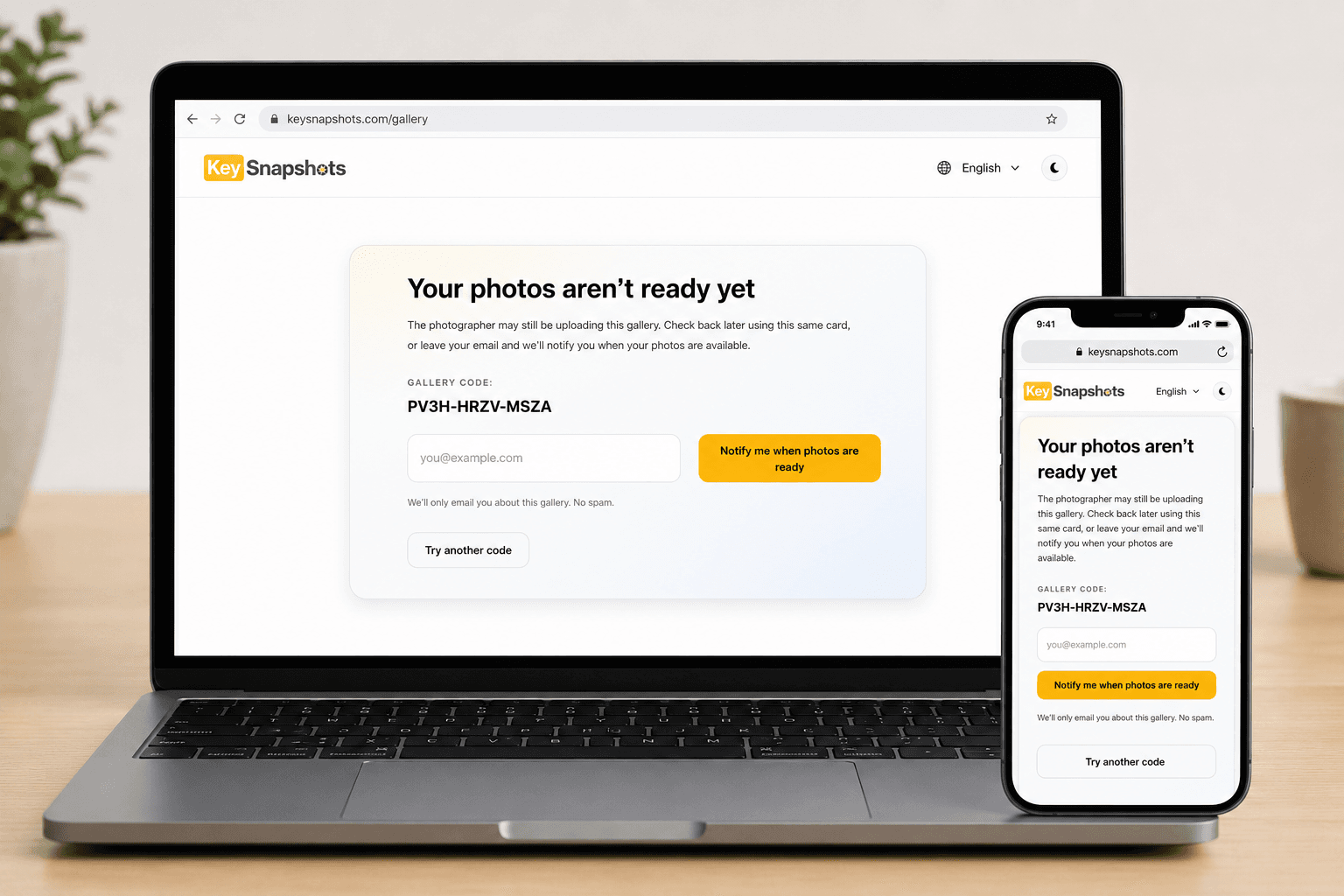
Request an email notification
If the notification option is available, enter your email address and select Notify me when photos are ready. KeySnapshots can send you an email when the photographer uploads the gallery.
Make sure your email address is spelled correctly before submitting the form.
What to do while you wait
- Keep your physical card or digital code.
- Do not throw away the card until you have downloaded your photos.
- Check your email inbox and spam folder.
- Try your code again later.
What if the gallery expired?
Some galleries are temporary. If a gallery expired before you downloaded your photos, contact the photographer or KeySnapshots support. Include your access code, order information if you purchased, and the email address you used.
Related topics
Welcome to KeySnapshots
Learn what KeySnapshots is, how customers use codes, and how photographers share photo moments.
Redeem Your QR Code or Access Code
Open your gallery by scanning a QR code or entering your access code manually.
View, Purchase, and Download Your Photos
Understand photo previews, secure checkout, delivery fees, and download options after your gallery is unlocked.
Photographer Quick Start
Start using KeySnapshots Studio to upload photo moments, share codes, set prices, and prepare for payments.